Skip to content

Videos

Check out our collection of videos higlighting new features, tutorials, webinars and so much more. Analytica is a visual modeling tool, so videos offer the most natural way to see what Analytica has to offer, what Analytica is capable of doing (you will be amazed), and how you can use it for your needs.


Crossing frontiers: the dawn of a new era with AI

Celebrate the incredible strides made in artificial intelligence (AI) and machine learning (ML) while also assessing the risks, in the dawn of this new era.

Behind the scenes: 5.3 color themes

Ben here to tell you about my first large project at Lumina — developing new color schemes for the Analytica 5.3 release. One of our primary goals was improving the look and feel...

Plotting over a Google Map

Here is how to display your geographic data on a Google map background.

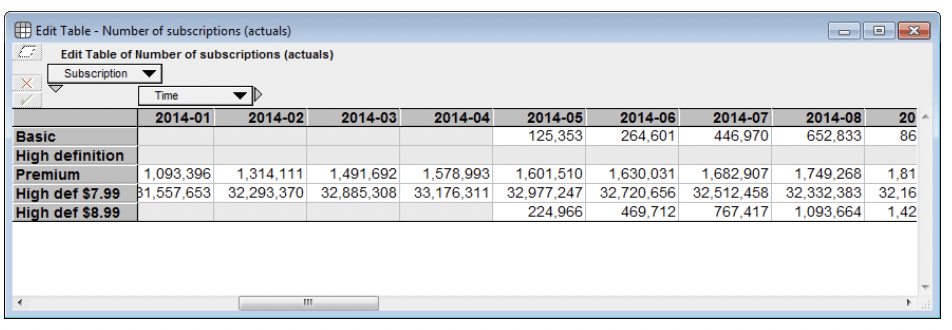
How to limit entry to specific cells of an edit table

Netflix’s basic subscription plan was introduced in May 2014. In a Netflix business model that I created, I have an …

An Analytica model that recognizes images

I had a lot of fun building and playing with an Analytica model that analyses the pixels of an image to figure out what it is an image of. It implements the resnet18 model...

Adding alternative axis scales to a graph

Starting with a graph that varies by Time in units of Seconds, I show how to configure the graph so you can quickly change the horizontal scale from Seconds to Hours, Days or...

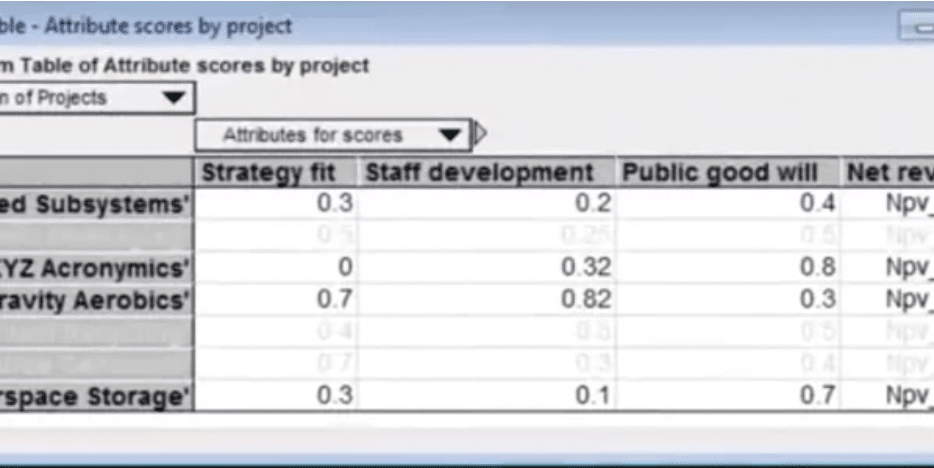
Cell formatting in DetermTable that shows which cells are active

In this Analytica 5 Video Short, I configure a DetermTable to use cell formatting so you can tell which data will be used by the computed result given the model's current...

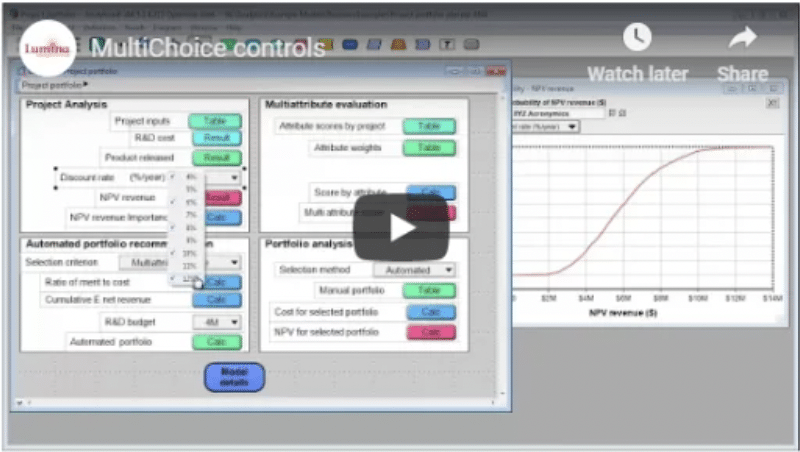
Analytica video shorts: MultiChoice controls

In this video, I showcase two uses for MultiChoice controls: For use in Selective Parametric Analysis, and for limited an index to a subset during your model's calculations.

Some Analytica customers

Download Free Analytica


    We hate spam as much as you. We won't share your email with third parties.
    The free edition of Analytica includes these key Analytica features:
    Free Analytica has no time limit. The only constraint is it won’t let you create more than 100 variables or other objects. But your model can be quite substantial since each variable can be a multidimensional array. It also lets you explore, change inputs, and run existing models of any size (excluding features unique to the Enterprise or Optimizer editions).